Steal any tone.
Amp and pedal settings for the exact gear you own, so you can sound like any song. On the App Store for iPhone and iPad; Android is in preview while its Play Store listing is finished.
The Android preview may be less stable than the App Store version. Subscriptions and usage limits follow the terms shown in the app.
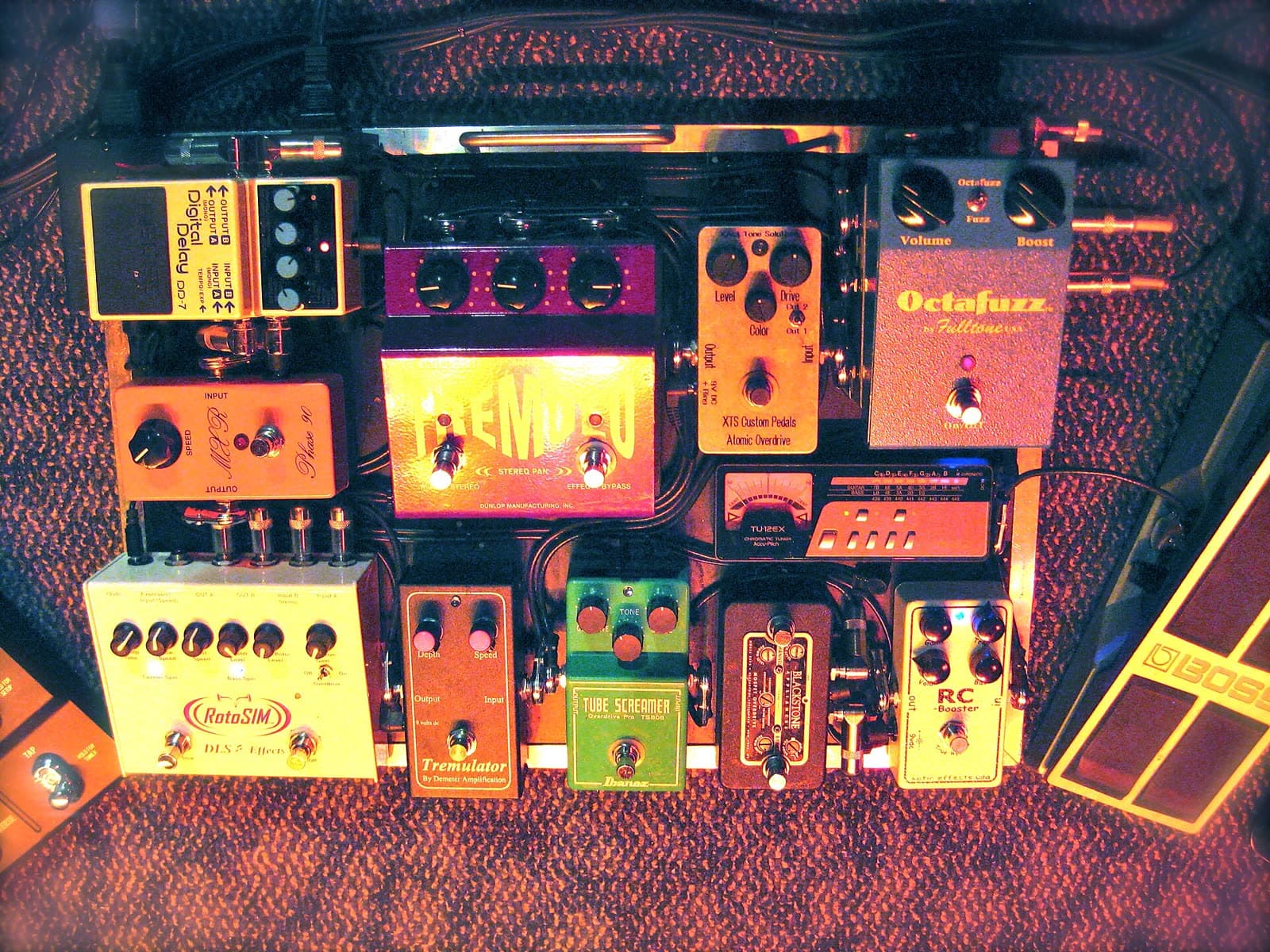
Photograph: “Oz Noy's Pedalboard, 2011-02-01”, ArtBrom from Seattle, CC BY-SA 2.0, Wikimedia Commons

How it works
Listen
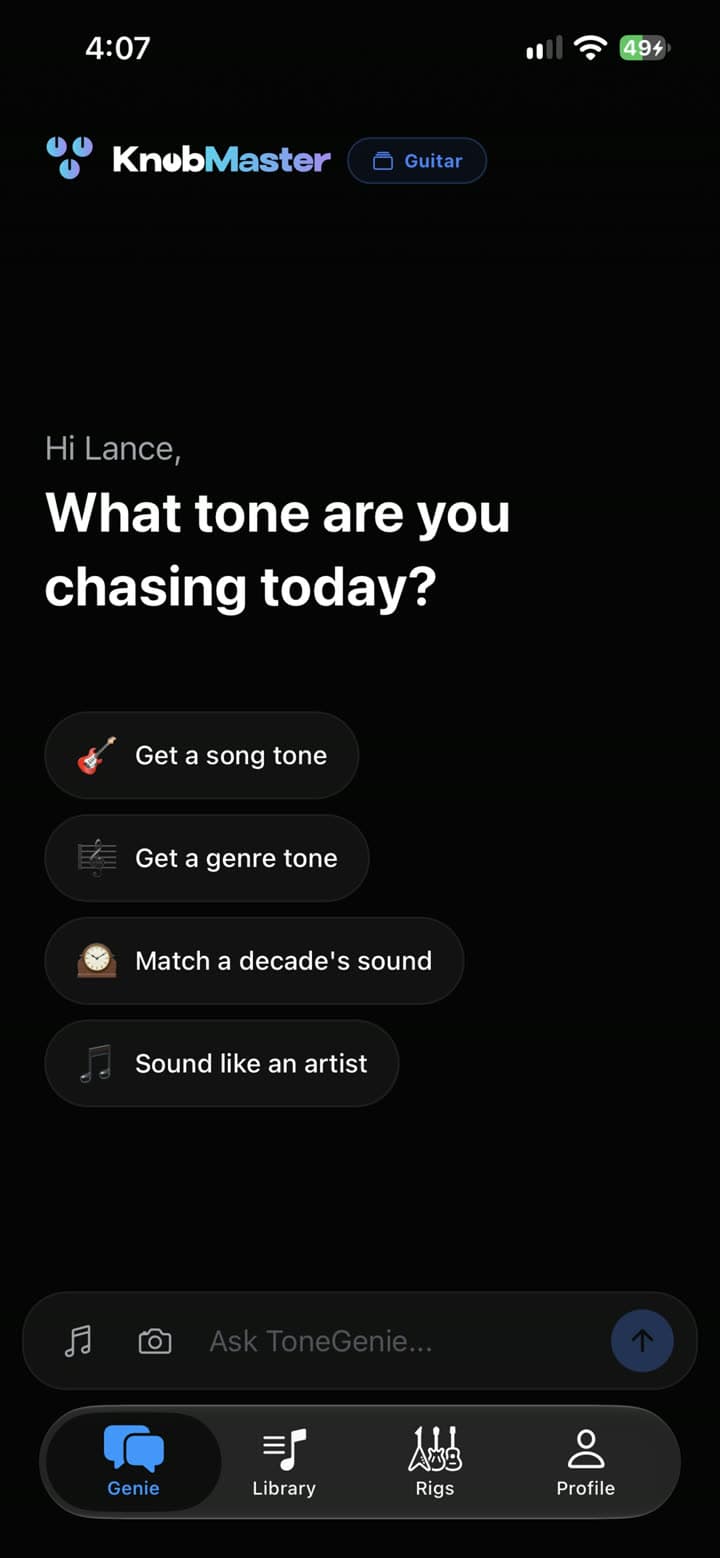
Name a song or describe a sound. With Precision Mode, KnobMaster analyses the recording itself.
Match
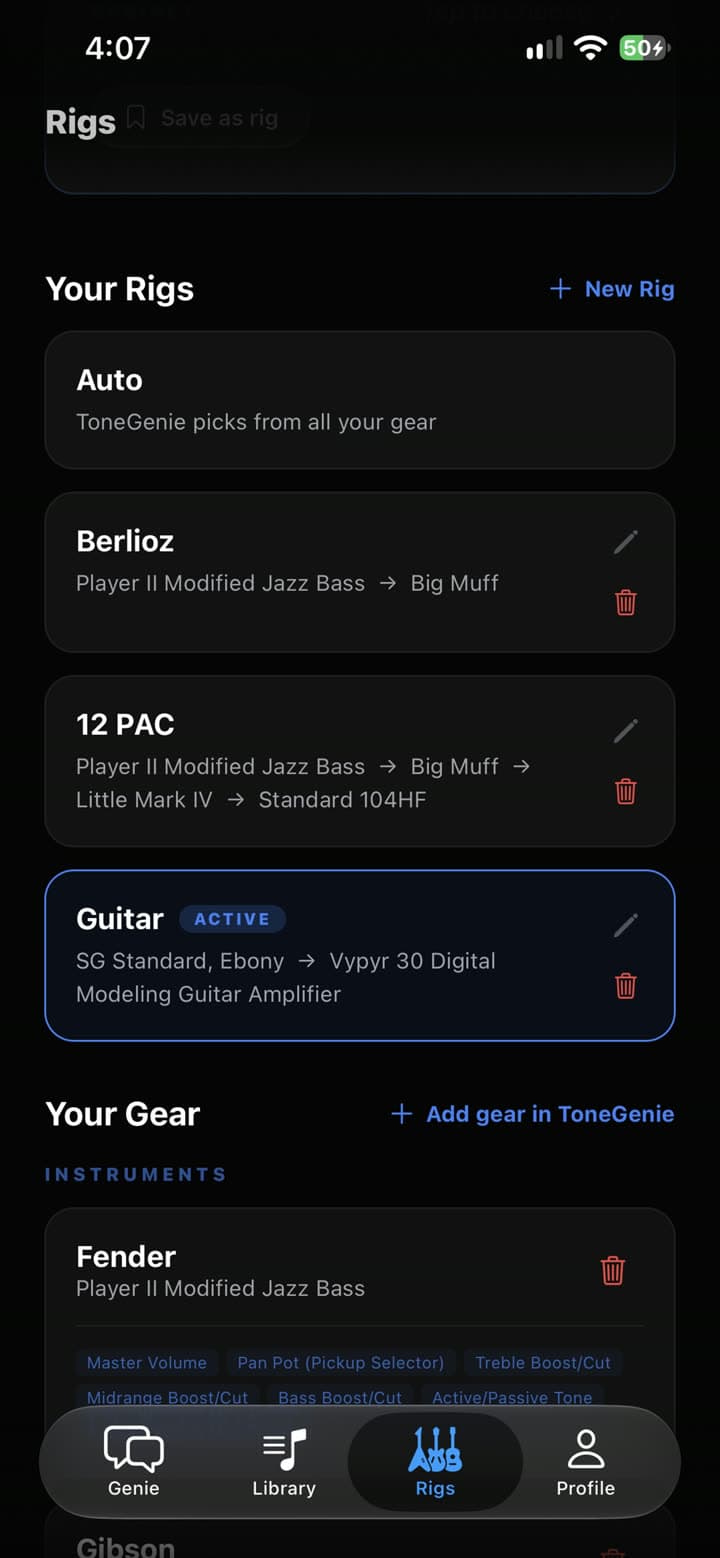
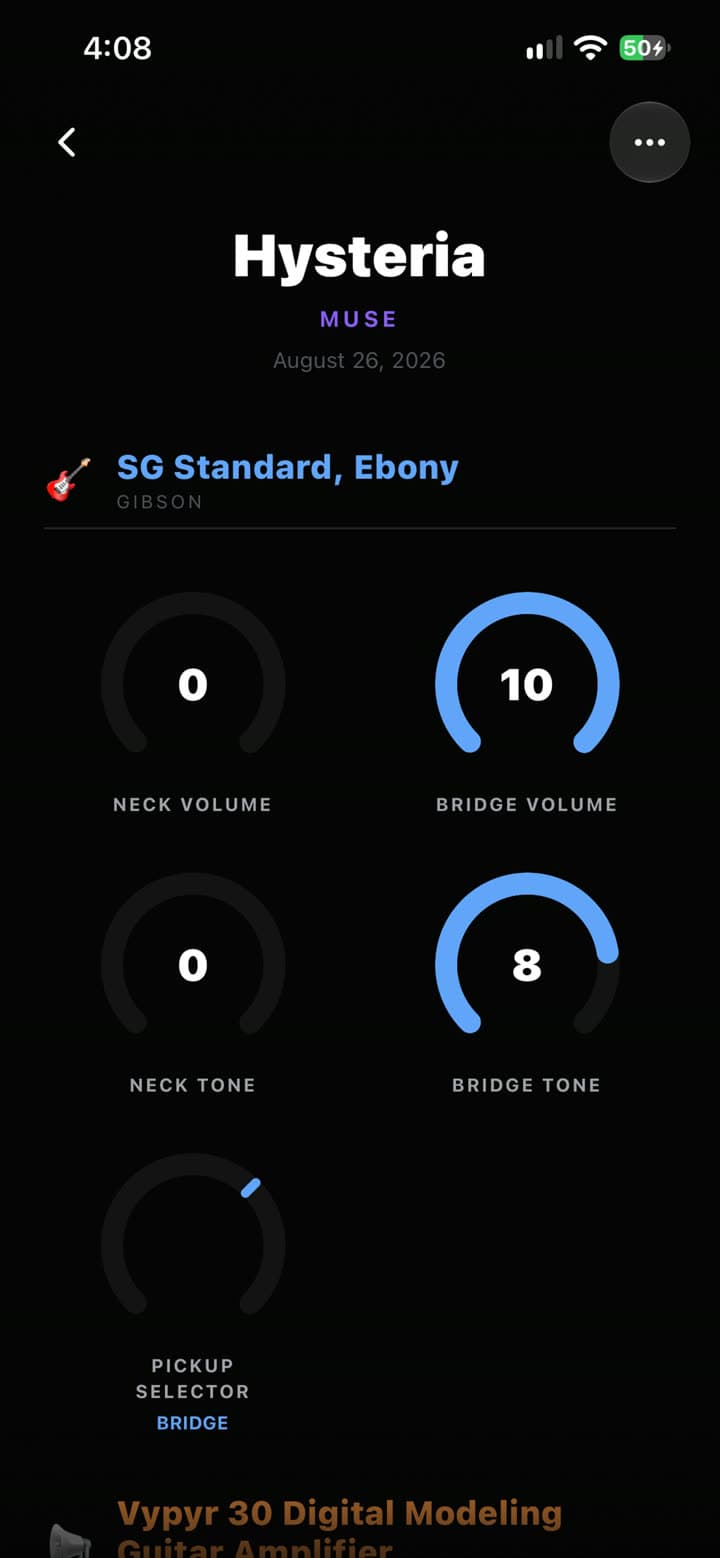
Add your guitar or bass, amp and pedals once. Every answer uses only the controls your gear really has.
Set
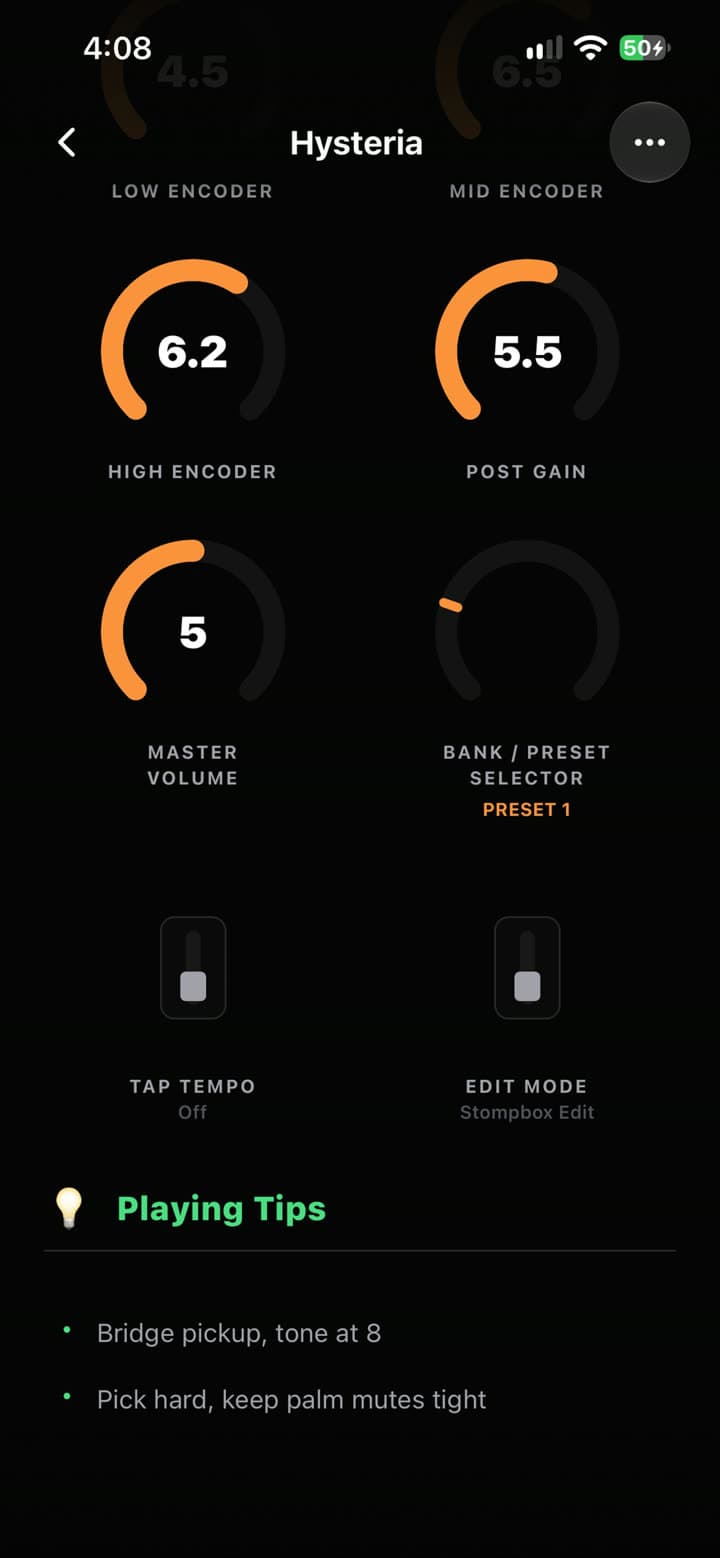
Every knob gets its position, on your instrument and on your amp.
Play
Playing tips come with each tone, and every tone stays in your library.