Support
Need help with KnobMaster? Browse the common questions below or reach out directly.

Contact Us
For any issue not covered below, email us and we will get back to you within 48 hours.
support@knobmastr.comFrequently Asked Questions
How do I add my gear?
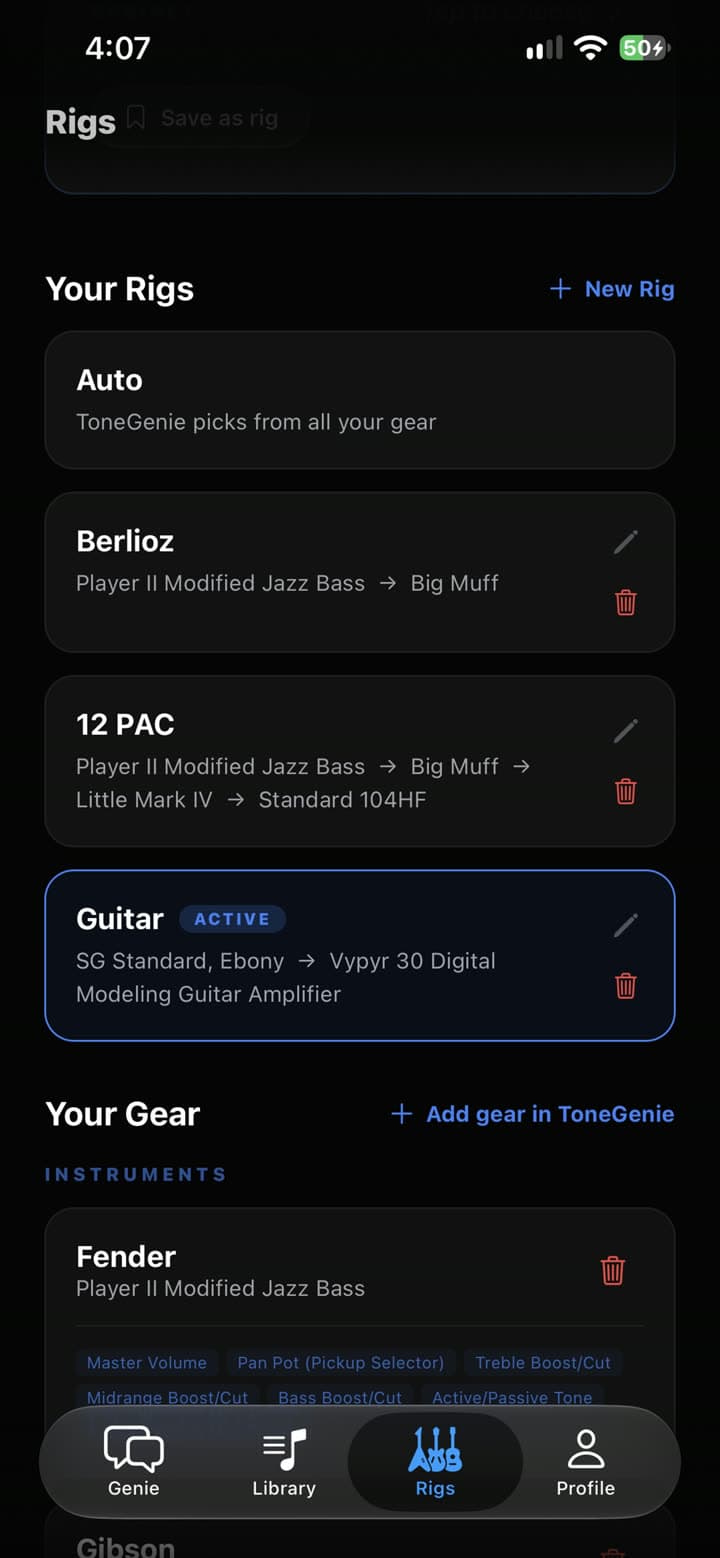
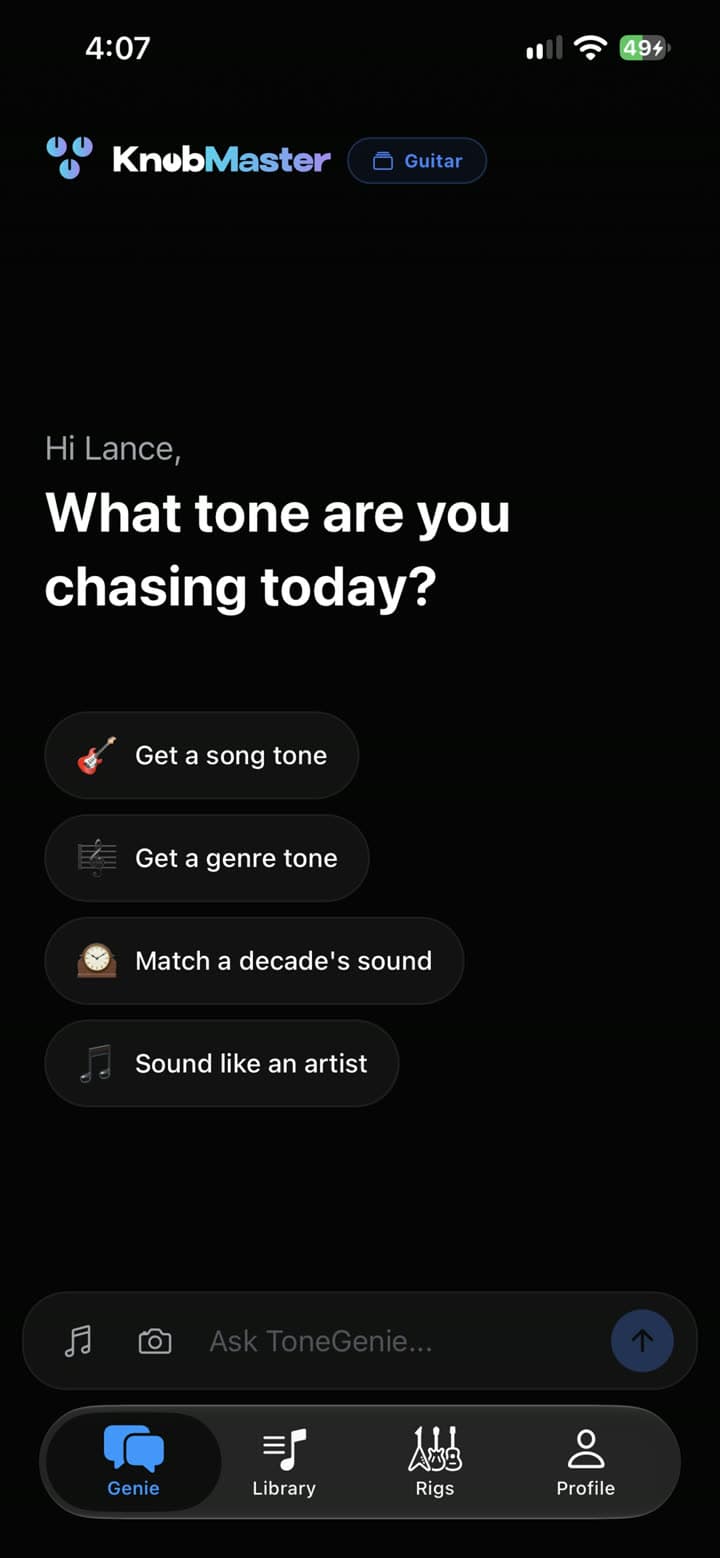
Open the Profile tab and tap "My Gear". From there you can add your guitars, basses, amps, and pedals. KnobMaster uses this information to tailor every tone recommendation to your specific equipment.
Why are my tone settings not showing up?
Make sure you have at least one instrument and one amp added to your gear list. Tone generation requires both to produce accurate knob settings.
What is Precision Mode?
Precision Mode is a Pro feature that lets you upload an audio file or track. KnobMaster separates the guitar or bass from the mix and analyzes the tone directly, giving you more accurate settings than standard mode.
How do I cancel my subscription?
Cancel through the provider that billed you. On iPhone or iPad, open Settings > Apple ID > Subscriptions. On Android, open Google Play > Payments & subscriptions > Subscriptions. For a web purchase, use Manage Subscription on the KnobMaster web profile. Pro remains active through the paid period.
I restored my purchases but Pro is not showing.
Open the Profile tab and tap "Restore Purchases". Make sure the device uses the same Apple ID or Google account as the original purchase. Web subscriptions do not use the store restore button.
The app is not recognizing my gear model.
Try entering the full model name including any edition (e.g. "Fender Player II Jazz Bass Modified"). You can also correct the controls directly in the chat by describing what knobs your gear has.
Is my audio data stored?
Audio files uploaded for Precision Mode are processed immediately and deleted within 24 hours. We do not store or share your audio recordings.
How do I delete my account?
In the mobile app, open Profile and tap Delete Account. If you cannot access the app, use the account deletion page linked below to submit a request.